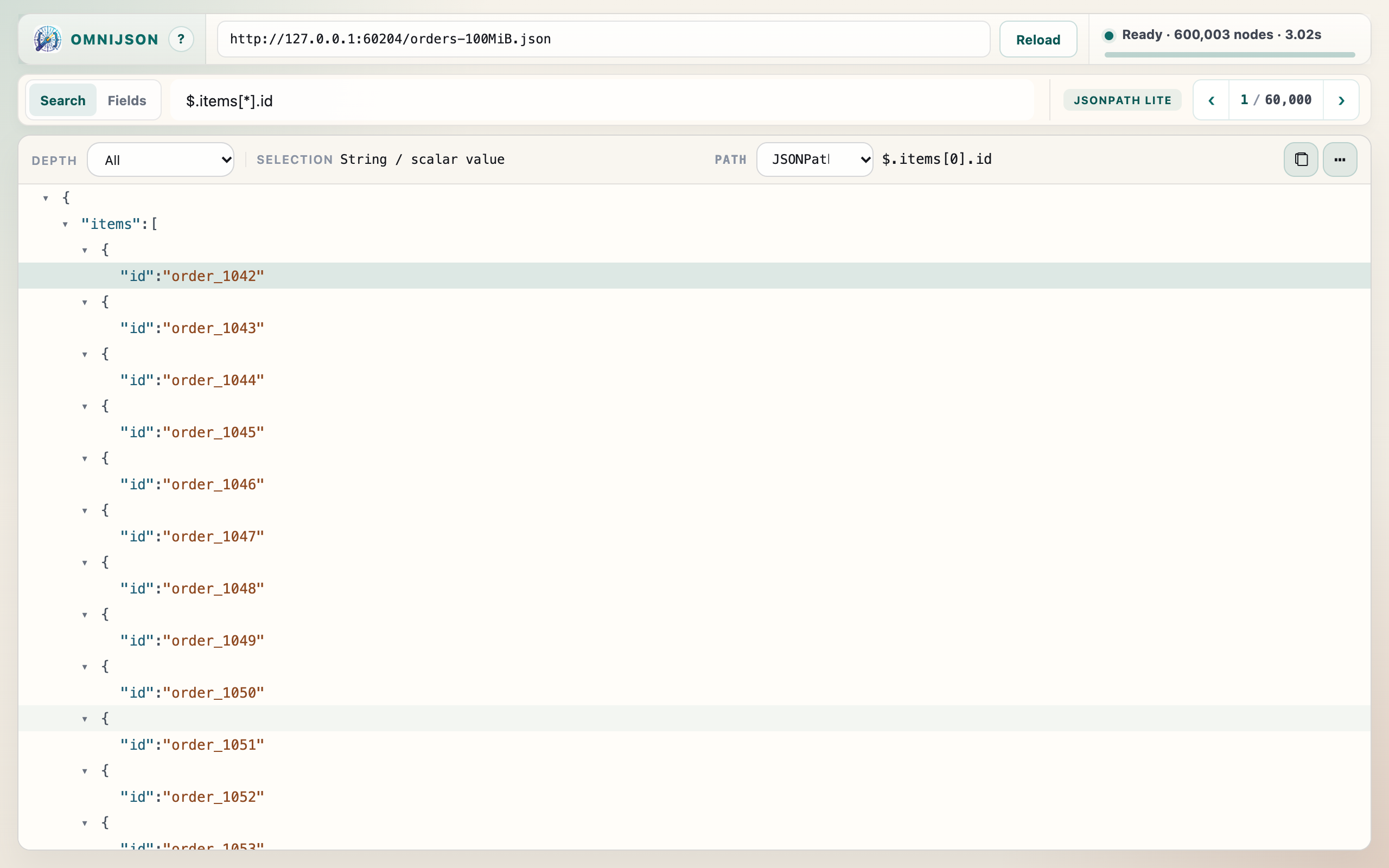
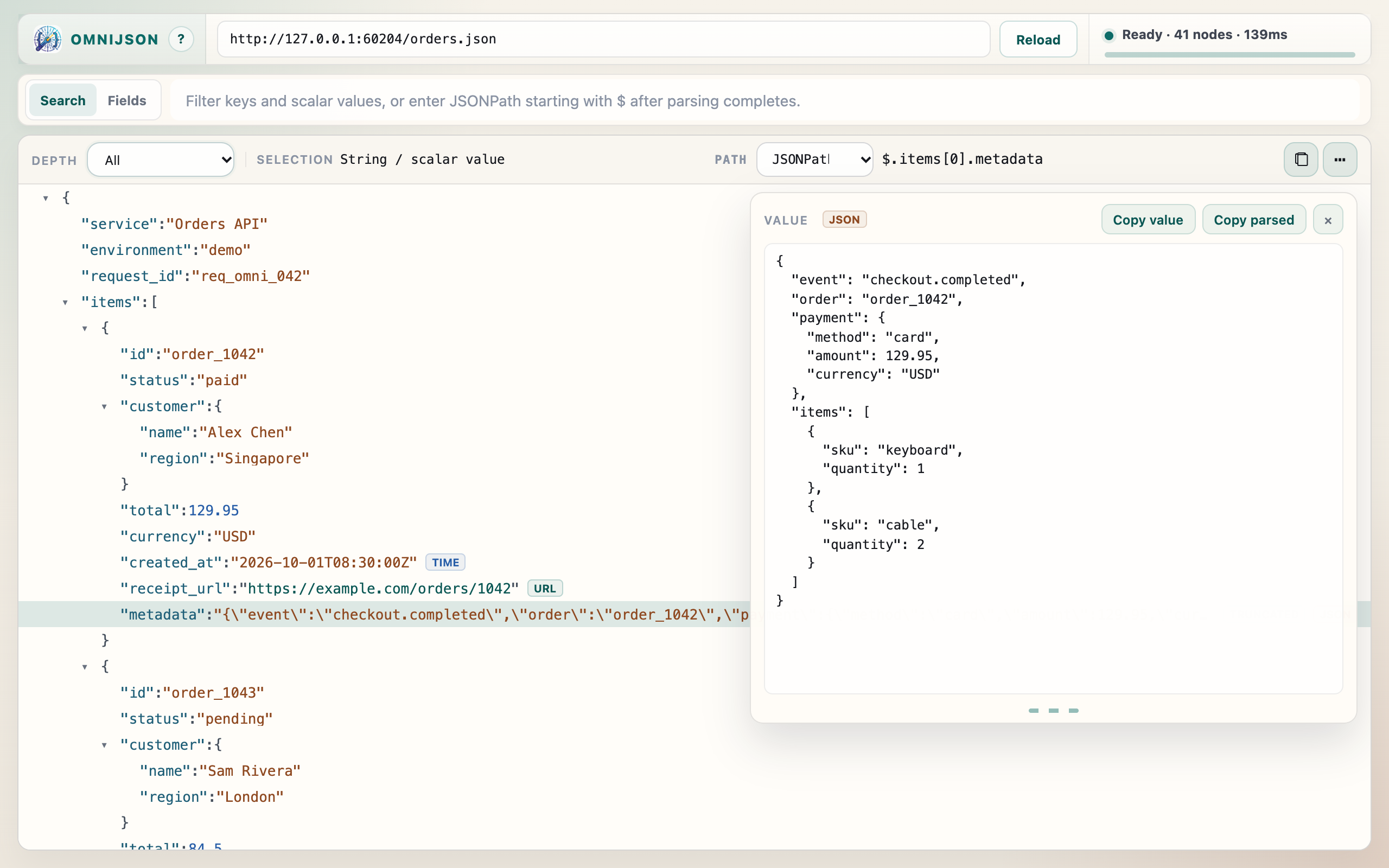
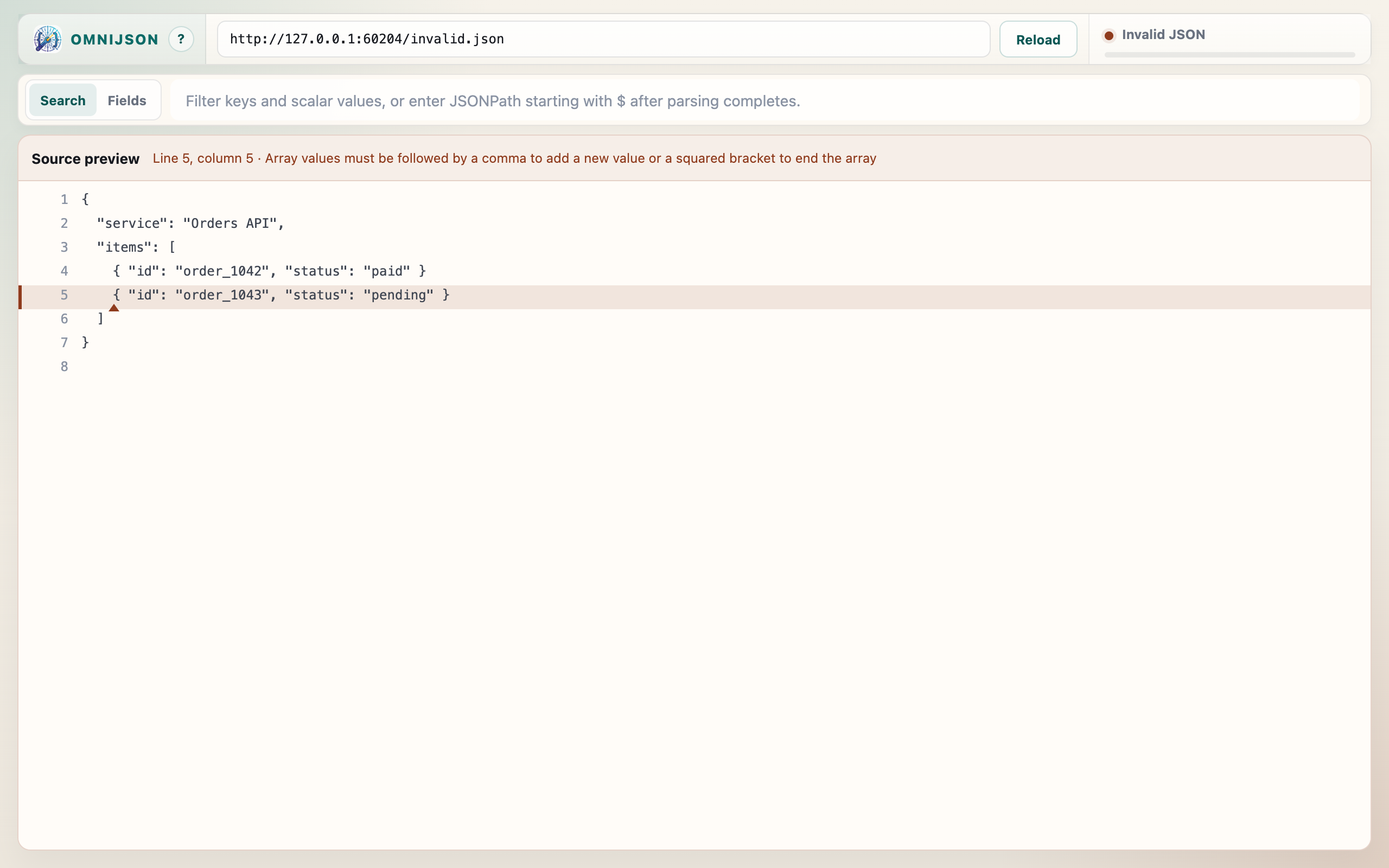
Parsing, filtering, and JSONPath run in your browser. The extension does not upload
documents, query results, recent sources, clipboard output, or usage data to OmniJSON-operated
servers. It includes no analytics, advertising SDKs, telemetry, or remote formatting.
What the extension processes
The content script checks page content locally to detect raw JSON and offer the Open
action. JSON you choose to open from a URL, file, or accessible extension resource is
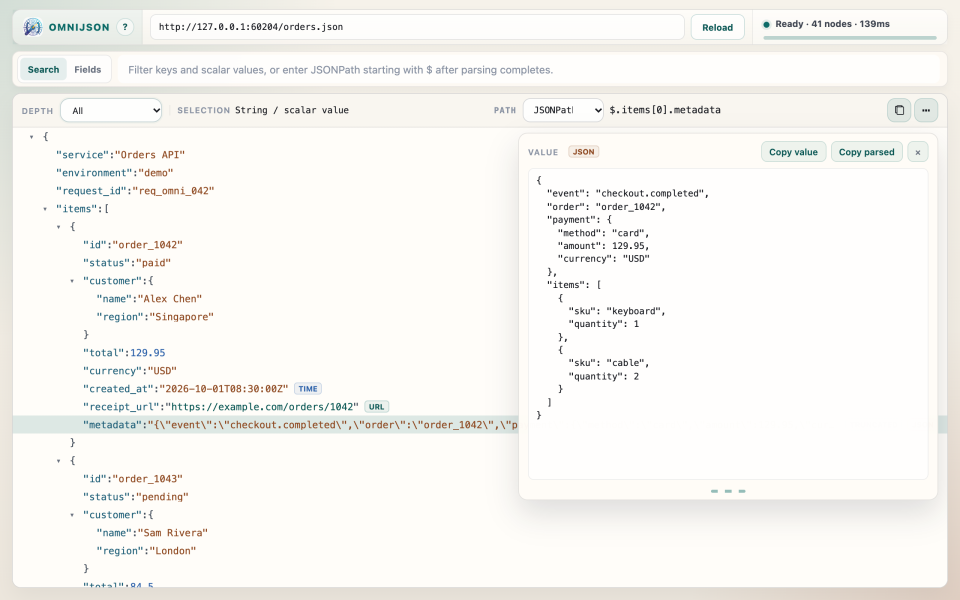
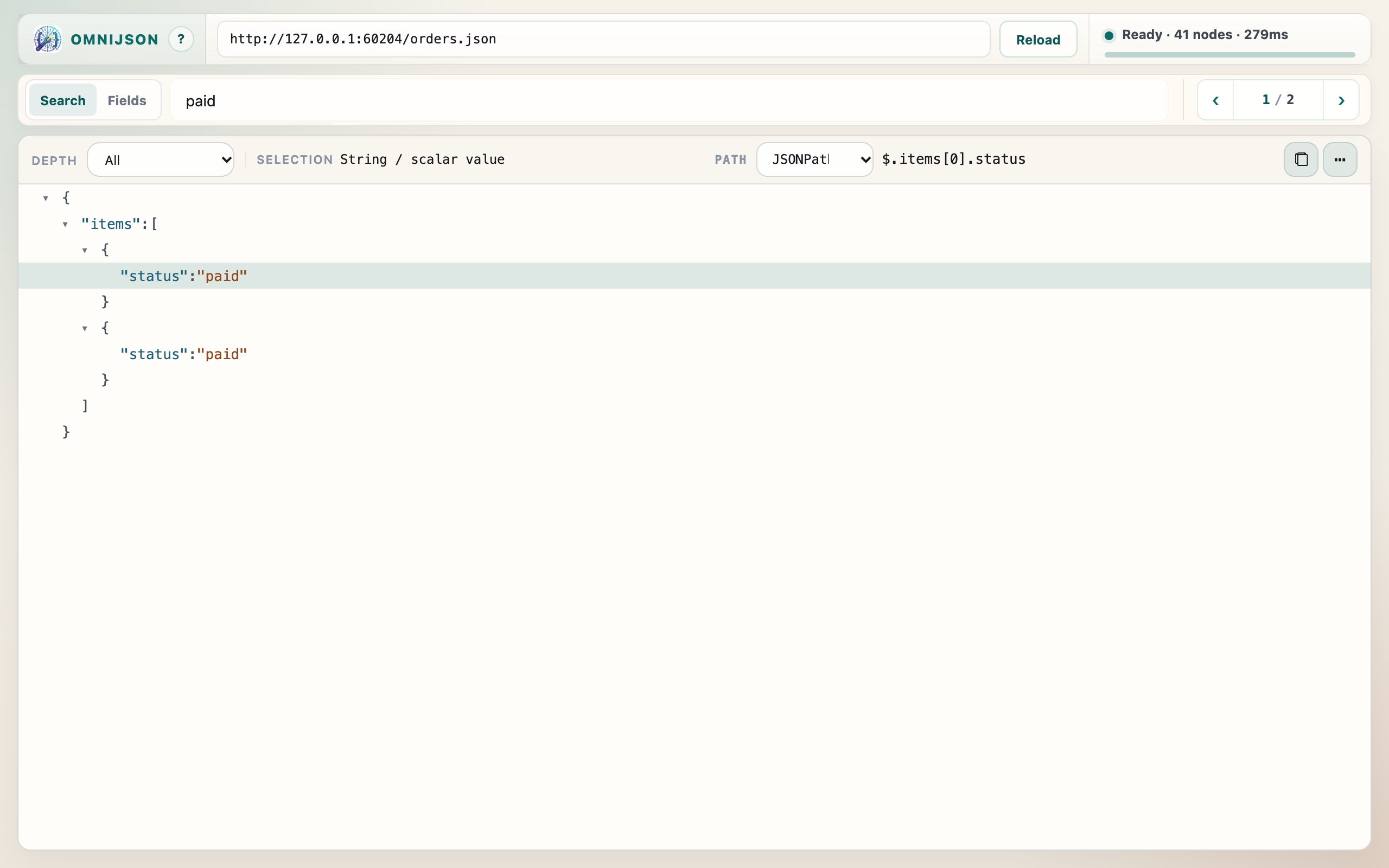
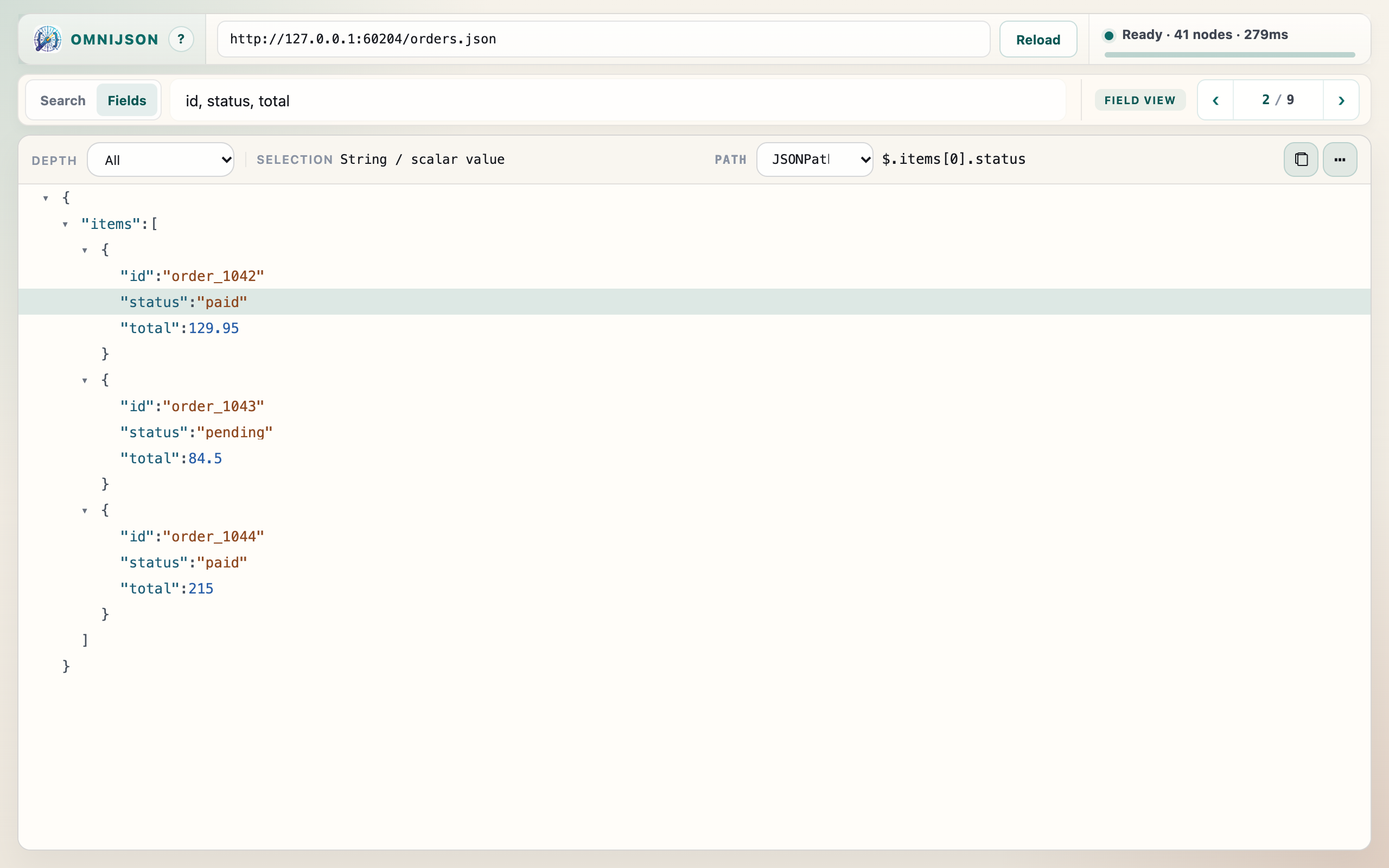
used for tree browsing, Search, Fields, JSONPath, previews, and copy tools. Parsed
documents and indexes stay in memory; they are not saved to extension storage.
Source requests and sign-in
Opening a web source requests the URL you choose. Chrome may include applicable
cookies or authentication credentials and follow server redirects, including to
another host. Source servers receive those requests. OmniJSON does not inspect
Chrome’s cookie store or upload the returned JSON to a separate processing service.
If fetching fails, the original JSON tab can supply its visible content as a fallback.
Local files
Reading file:// sources or absolute local paths requires Chrome’s
Allow access to file URLs setting. Paths are converted to file URLs
for direct reading, with an already-open JSON tab available as a fallback. File
contents are parsed locally.
Recent sources saved on your device
For oj and viewer suggestions, OmniJSON saves up to 50 complete
source URLs, derived display titles, and last-opened timestamps in local
extension storage, even if loading fails. URLs retain query parameters, fragments,
and file paths, including any tokens or sensitive text in them. This list does not
separately store parsed JSON, copied content, browser cookies, or filter/JSONPath
expressions. OmniJSON does not use Chrome sync or read Chrome browsing history.
Removing recent records
Records have no time-based expiry; new sources beyond the 50-entry limit replace
the oldest. Type oj then Space or Tab in Chrome’s address
bar and use a suggestion’s delete control to remove it from both suggestion lists.
Reopening that source saves it again. Uninstalling OmniJSON clears its local storage;
clearing Chrome’s browsing history or cache does not.
Clipboard
Choosing Copy writes the selected path or content to your system clipboard.
OmniJSON does not read the clipboard programmatically. Copied content is then
handled by your system clipboard and any destination where you paste it.
Local diagnostics
Version 0.1.13 and later retain up to 20 local startup failure records: timestamp, extension version, failure stage, error code and elapsed time. Copied reports also include the browser version. These reports exclude JSON, source URLs, credentials and raw error text, and are never uploaded automatically. New records replace older ones after the limit; uninstalling the extension clears its local storage.
Chrome’s local developer console can contain source URLs, filter/JSONPath
expressions, status, and errors. The extension does not upload these logs or send
automatic error reports.
This website and external links
This site’s own code has no analytics scripts and sets no cookies or browser storage.
Visiting it still sends web requests to the hosting service; hosting-level logs or
analytics depend on deployment settings. Install links carry UTM campaign labels to
the Chrome Web Store, including source, medium, or campaign values from the page URL.
They do not include extension documents or recent-source records. Following a JSON
value link or the help link also opens that destination, whose own privacy policy applies.
Contact
For privacy questions, use the publisher’s support channel on the
Chrome Web Store listing.
Recent-source records are stored on your device and can be removed as described above.